See the kind of polished result Selfee is built to create.
For most people, examples answer the real question faster than any feature list: “Could this give me a profile photo I’d actually be comfortable using?” Take a look through these examples and see whether the style feels right for you.
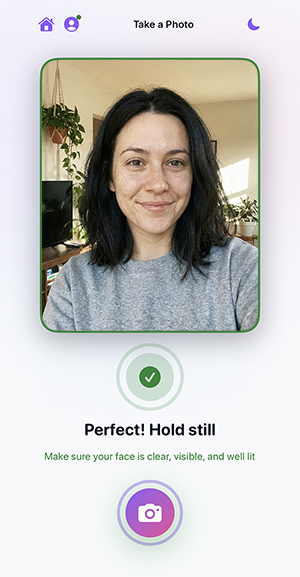
Capture flow
Start with a clear selfie using the in-app camera flow designed to help you get a strong base image.
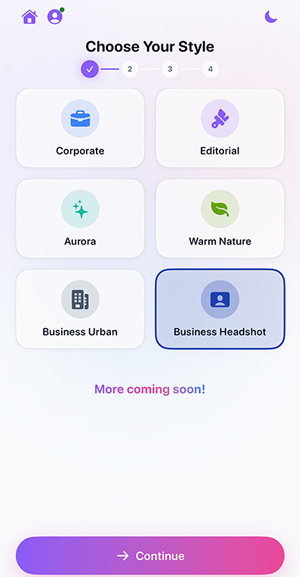
Style-led workflow
Choose the portrait direction that fits the look you want before generating the final image.
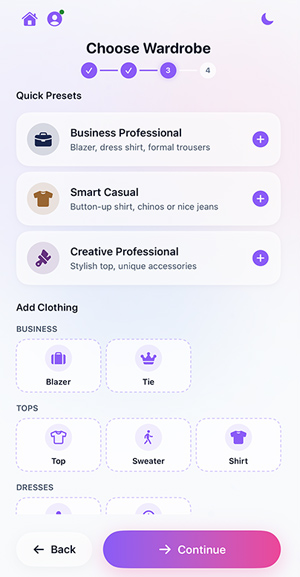
Wardrobe customization
Useful for shifting the result toward business, lifestyle, or creator branding.
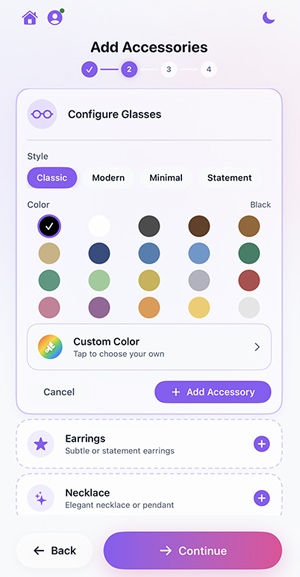
Accessories and details
Small customization options help the image feel more intentional and on-brand.
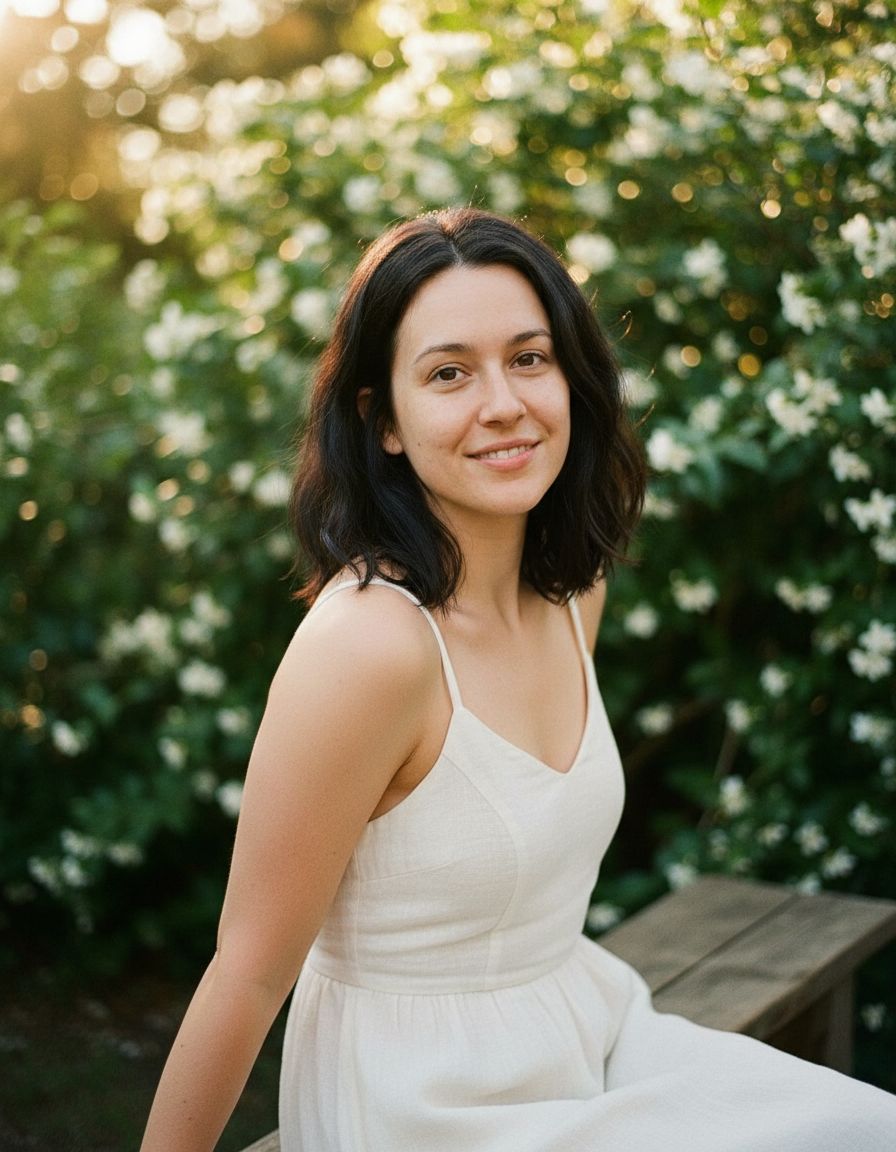
Generated final portrait
A polished finished result showing the kind of styled image you can create after moving through the full flow.
Brand-ready output
Selfee is built to help you create images that feel polished, practical, and worth using in real professional settings.
The highest-value proof upgrade
The best next step is a dedicated before-and-after gallery using real app outputs with permission. That gives you stronger social content, stronger landing pages, and more trust on the homepage.
- LinkedIn profile upgrades
- Founder headshots
- Realtor profile photos
- Creator bio portraits
- Speaker page images
Like the direction of these results?
Start with one clear selfie and see what kind of professional image you can get from your iPhone.