Can you use an AI headshot on LinkedIn?
What matters most is not whether AI was used. It is whether the result looks like you and builds trust.
Read article →Selfee turns a simple selfie into polished portraits for LinkedIn, your website, speaker bios, creator pages, and job search profiles — without the cost or hassle of a traditional shoot.
16 styles • built for LinkedIn, websites, creator bios, and personal branding
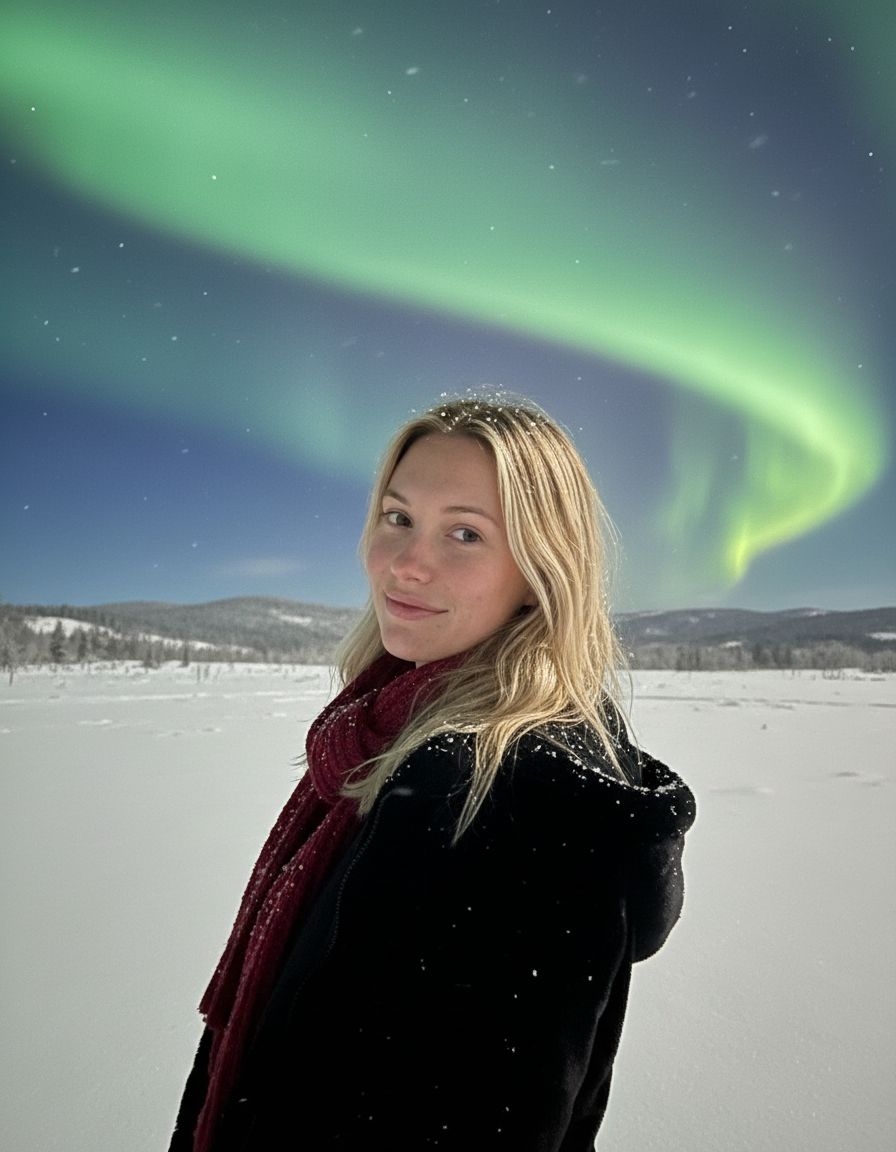

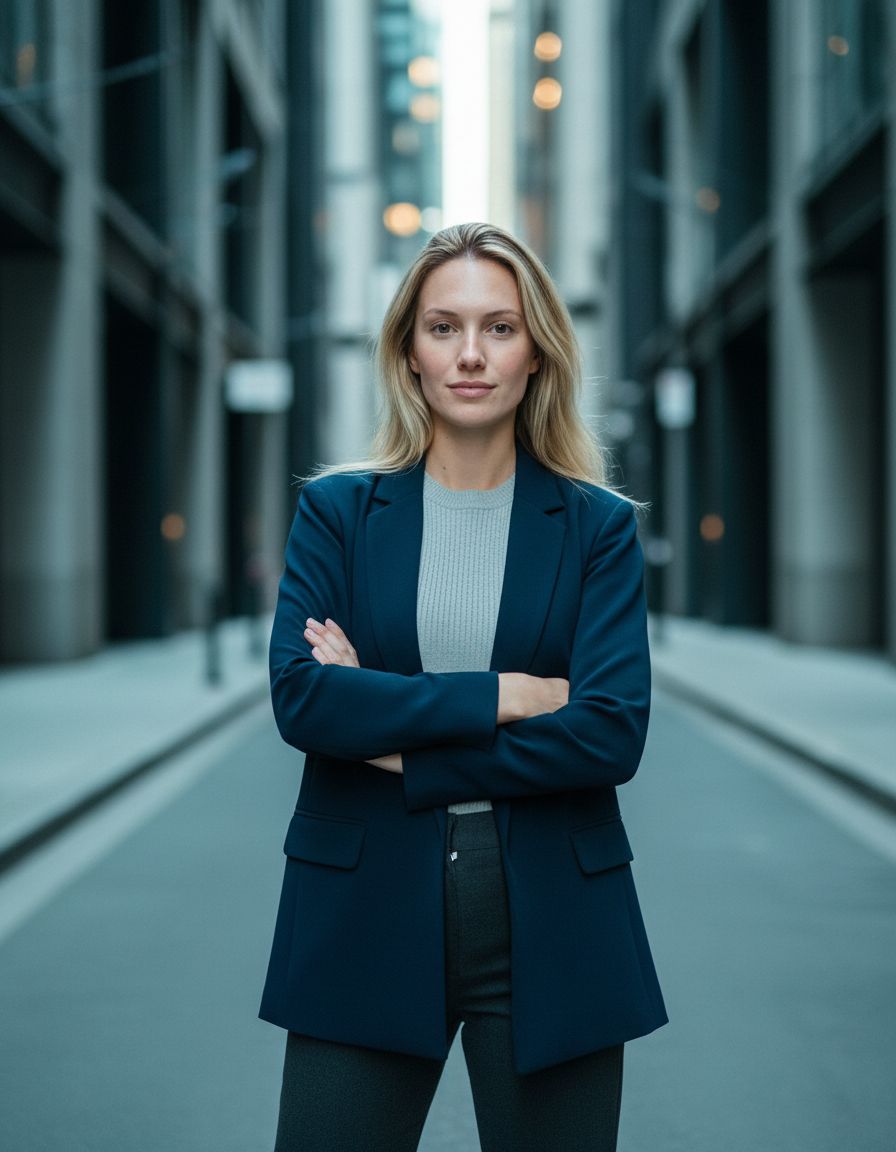

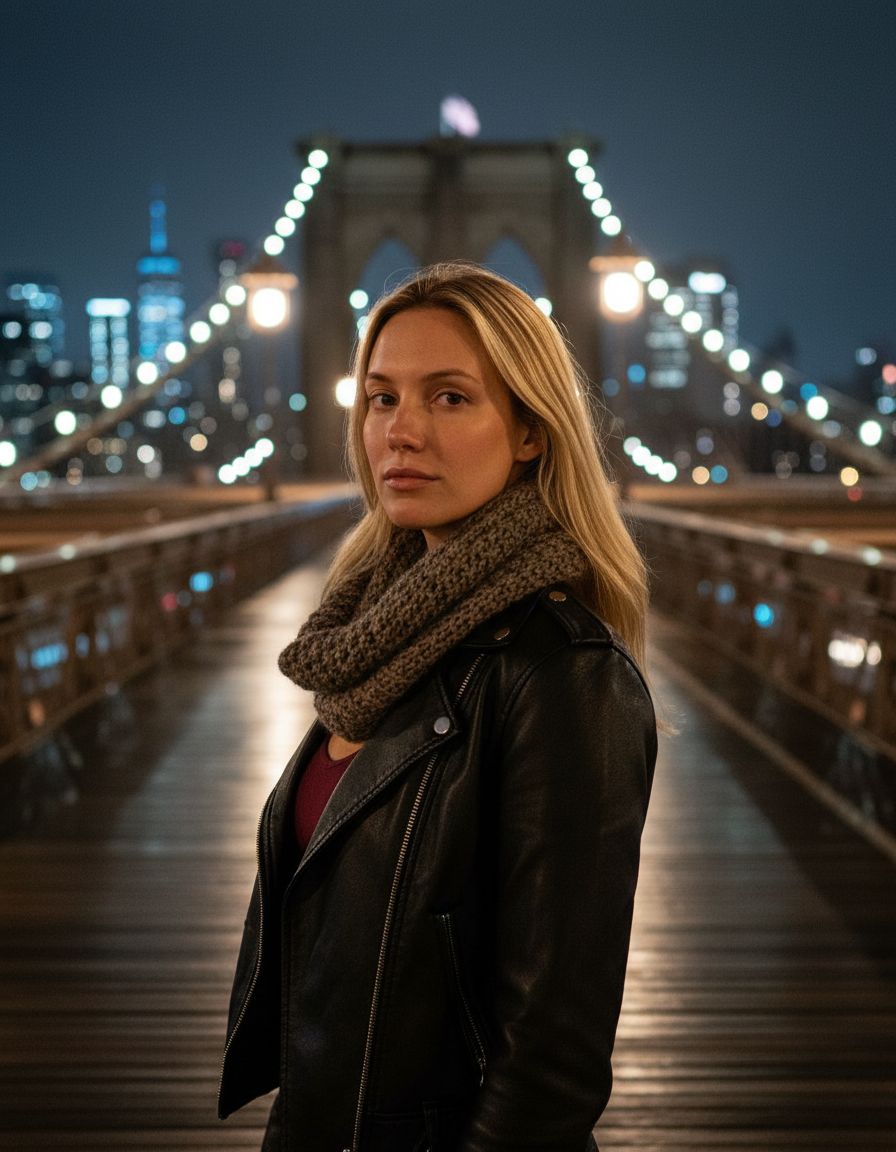
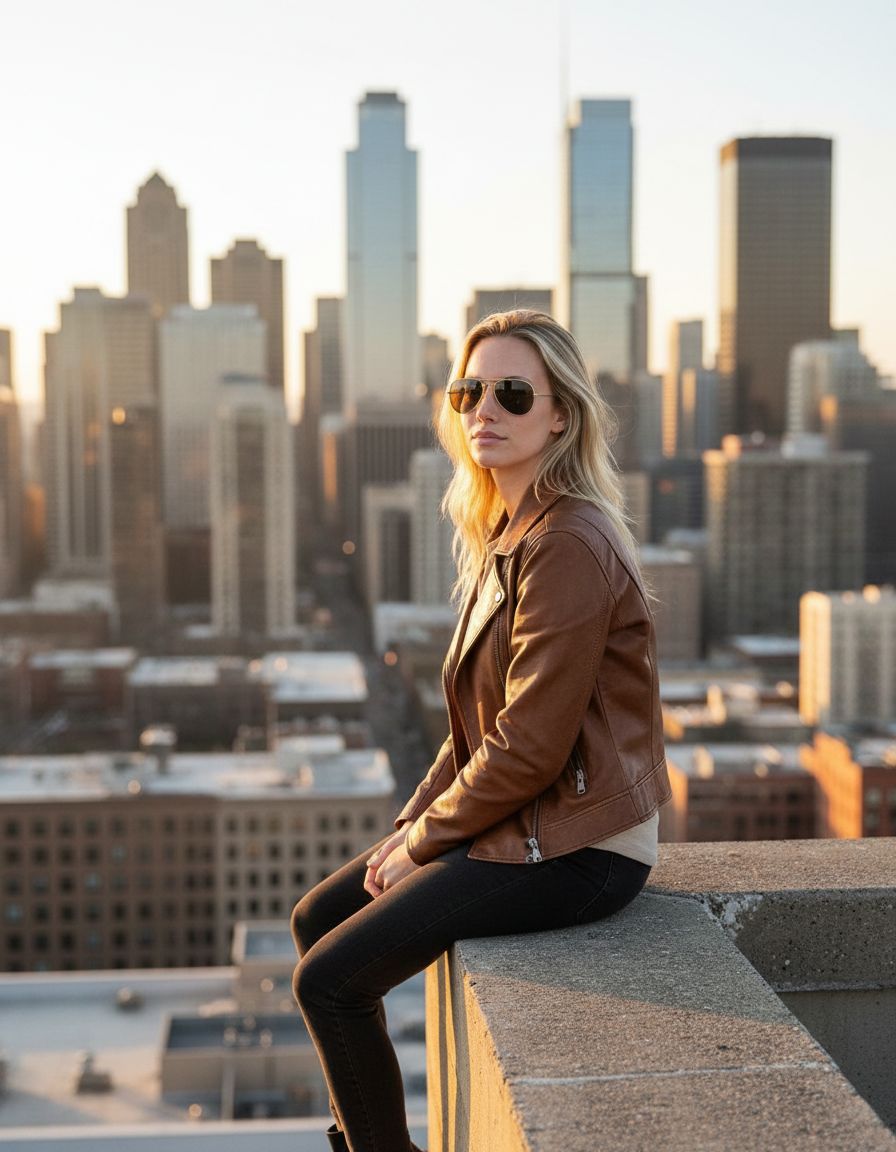
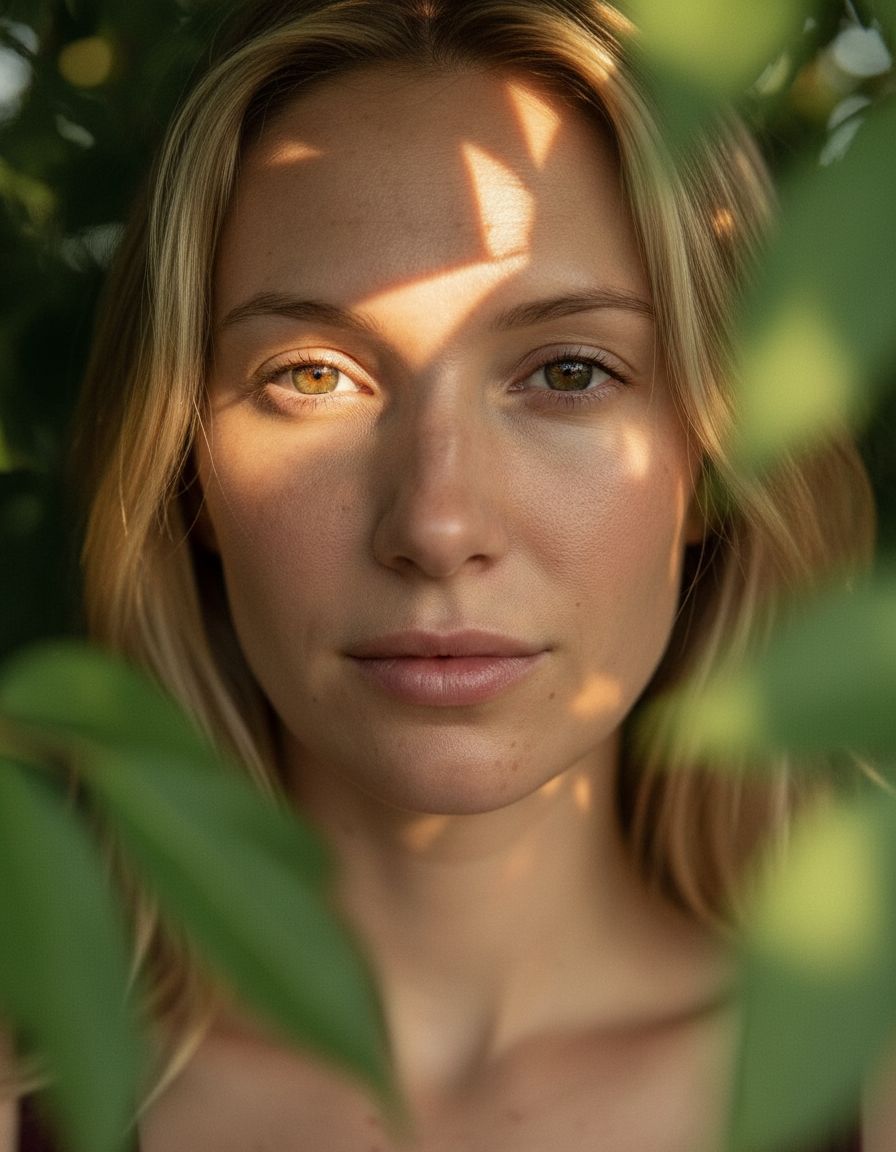

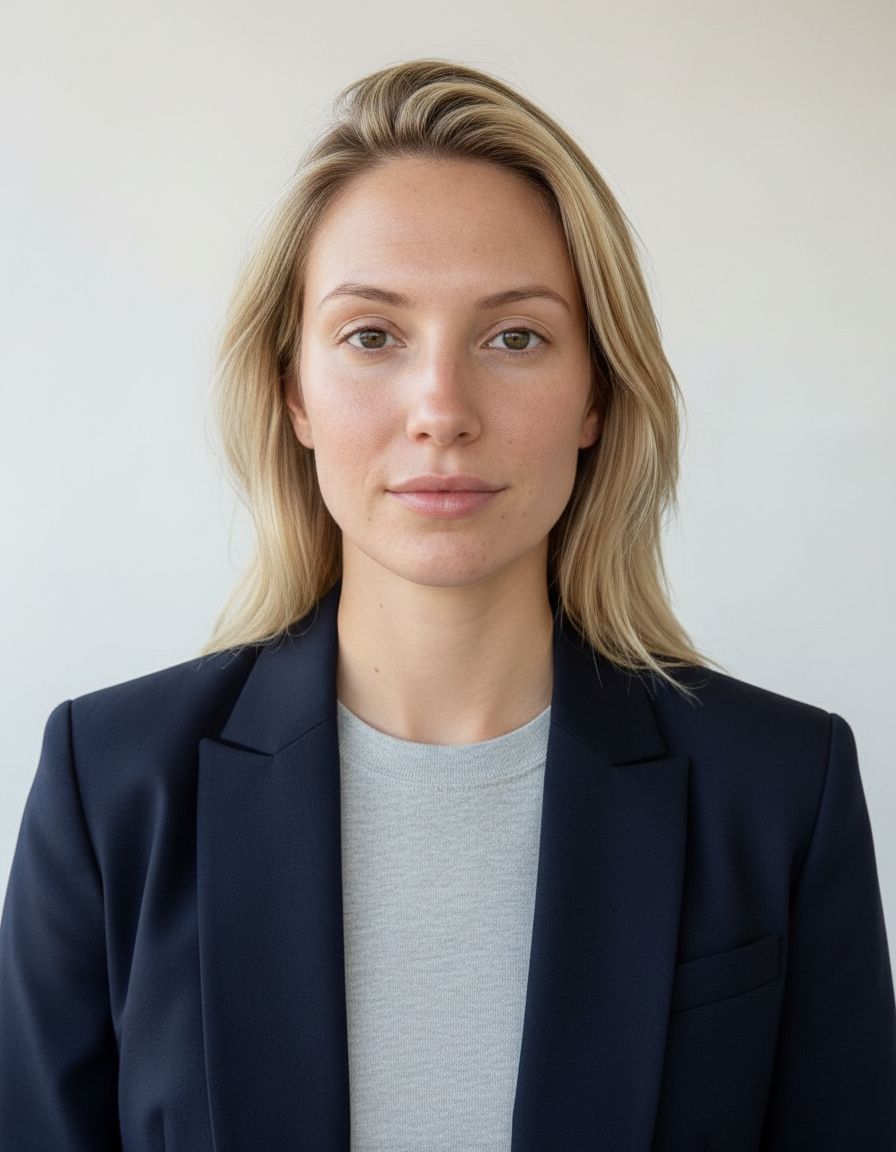

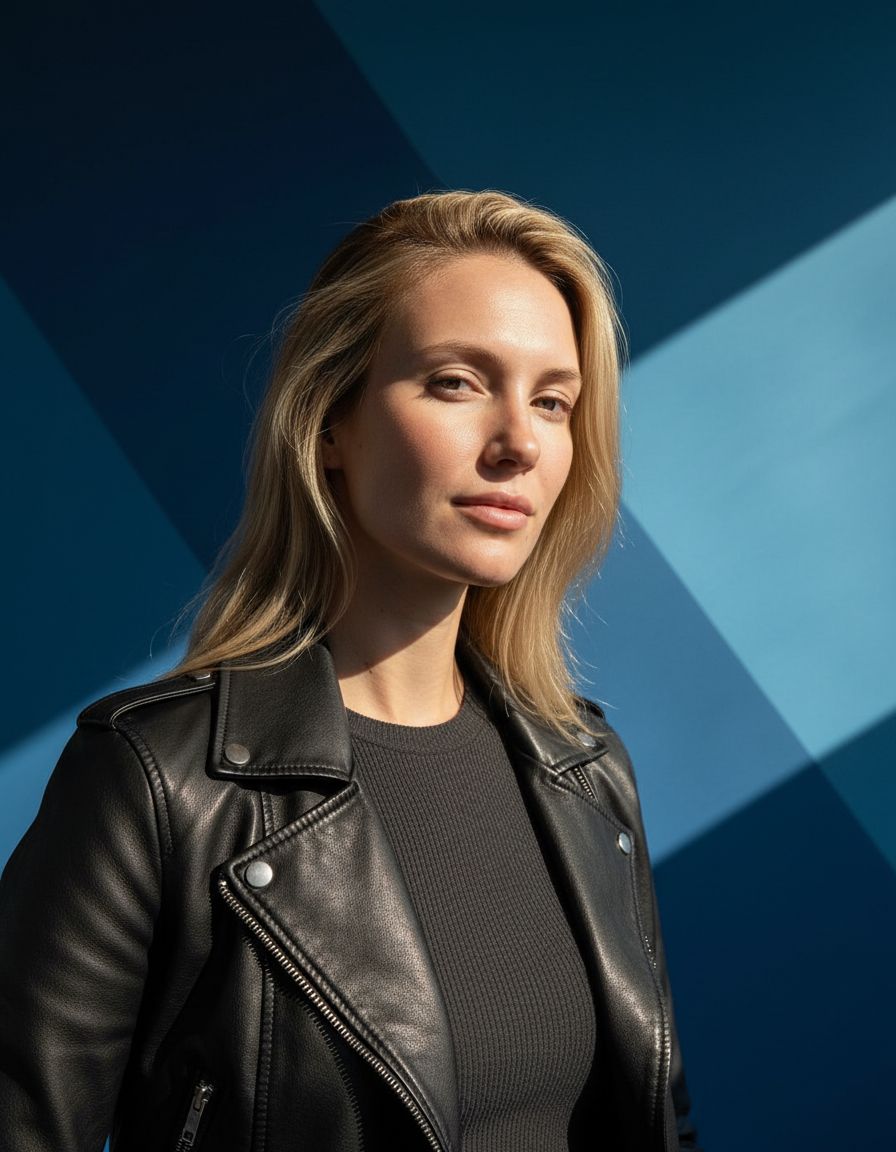

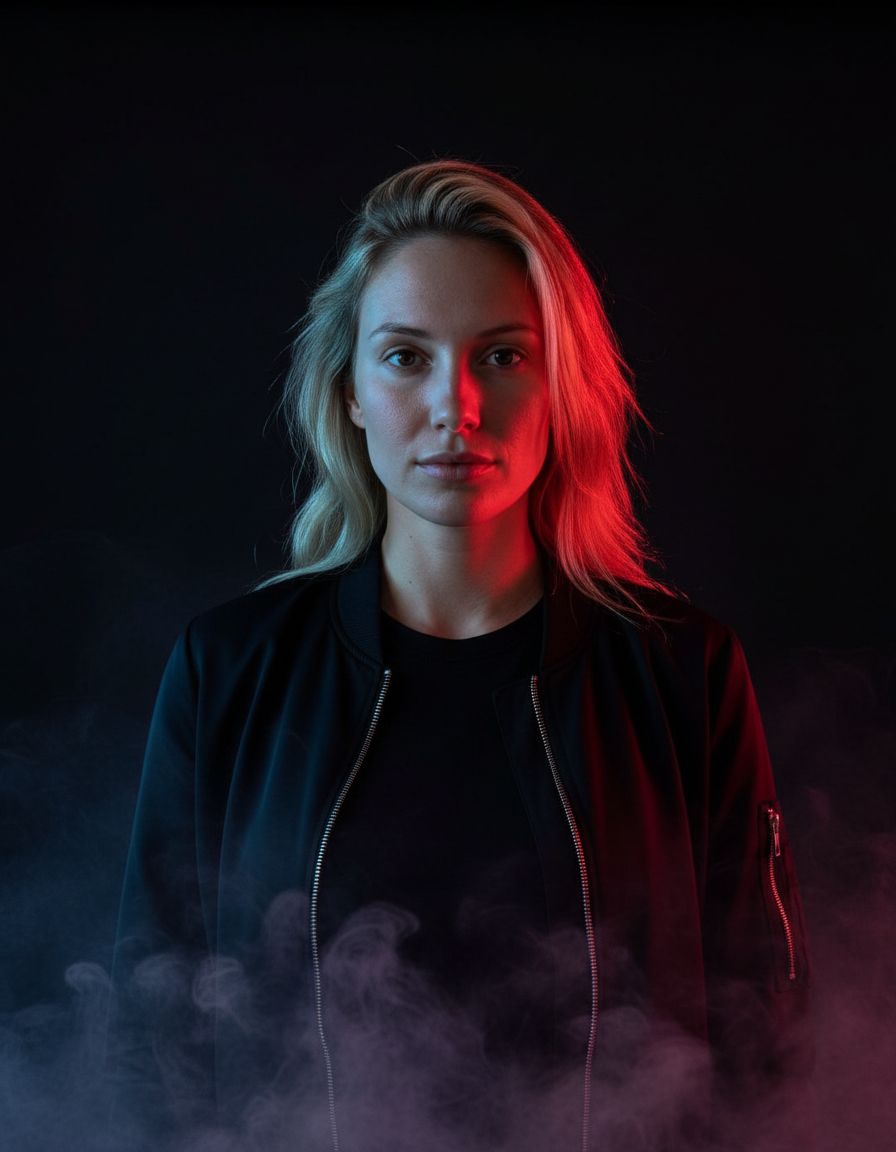
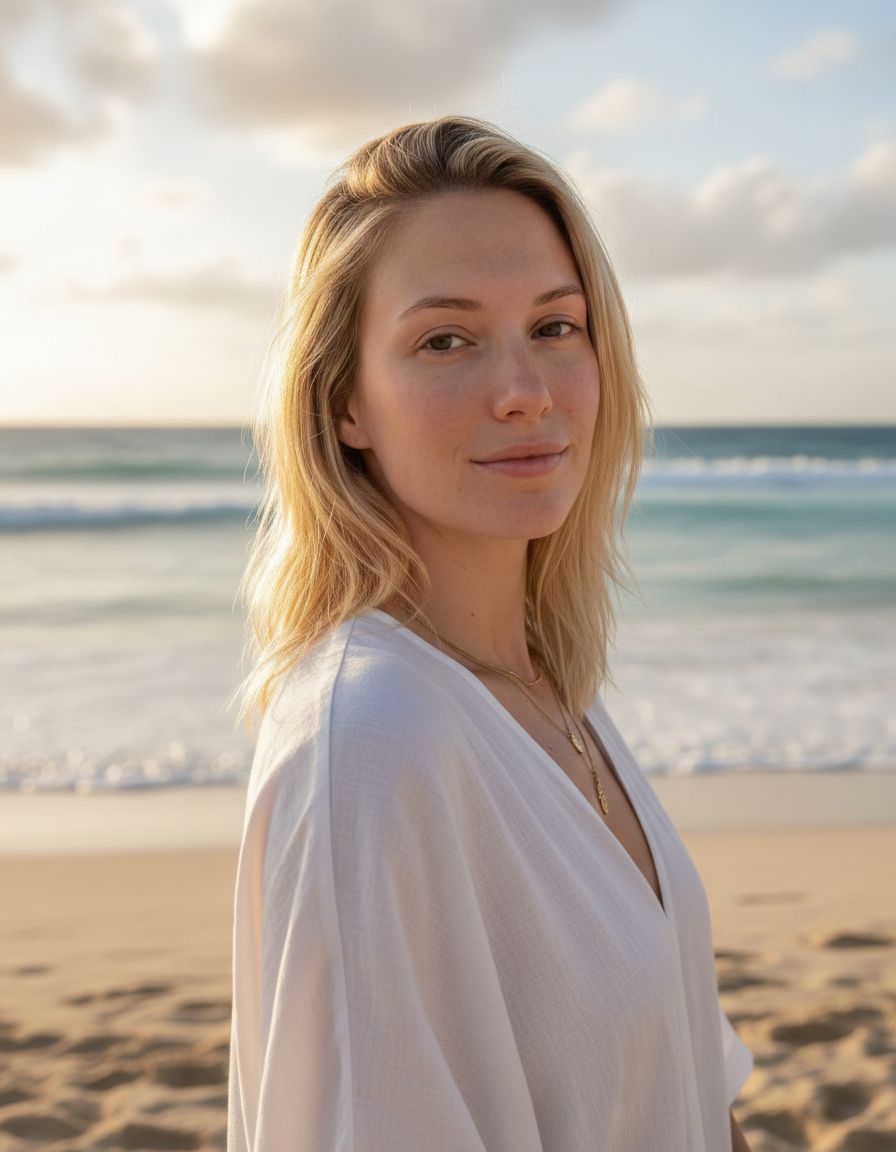
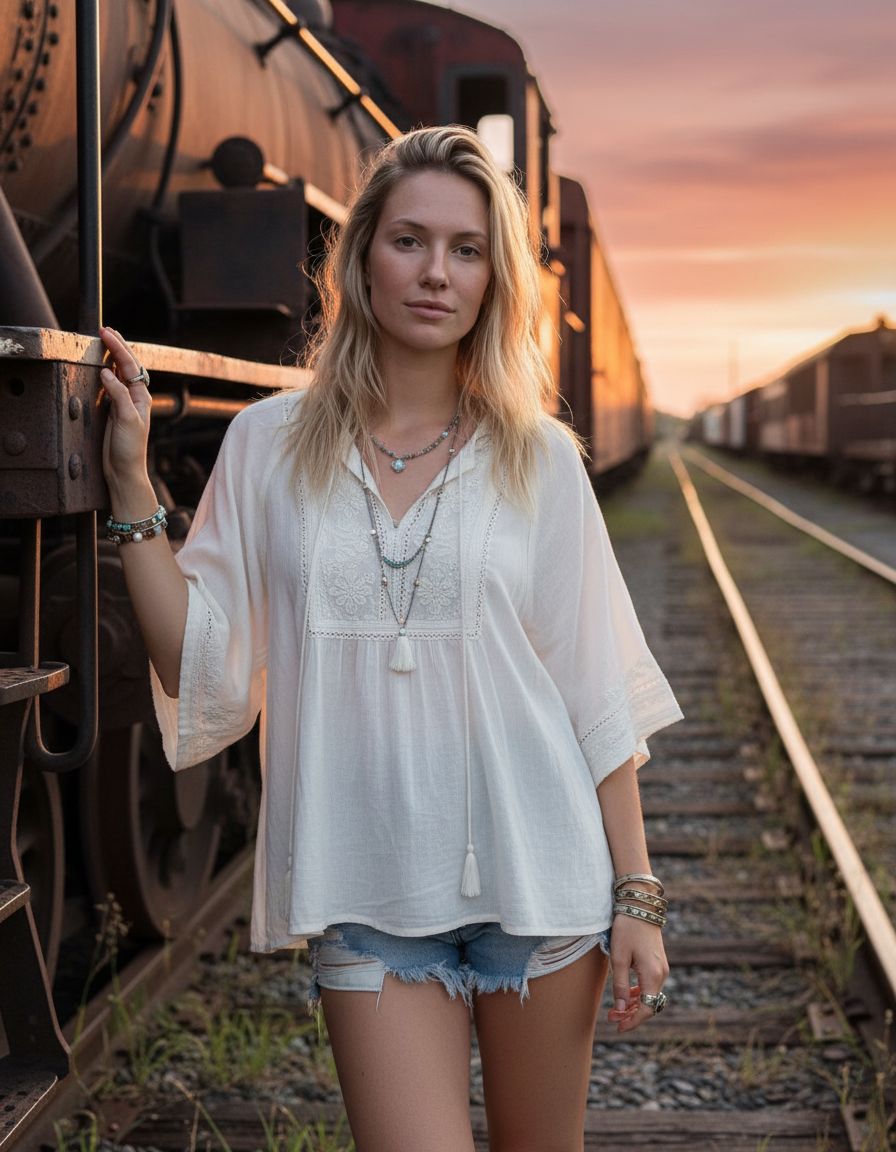
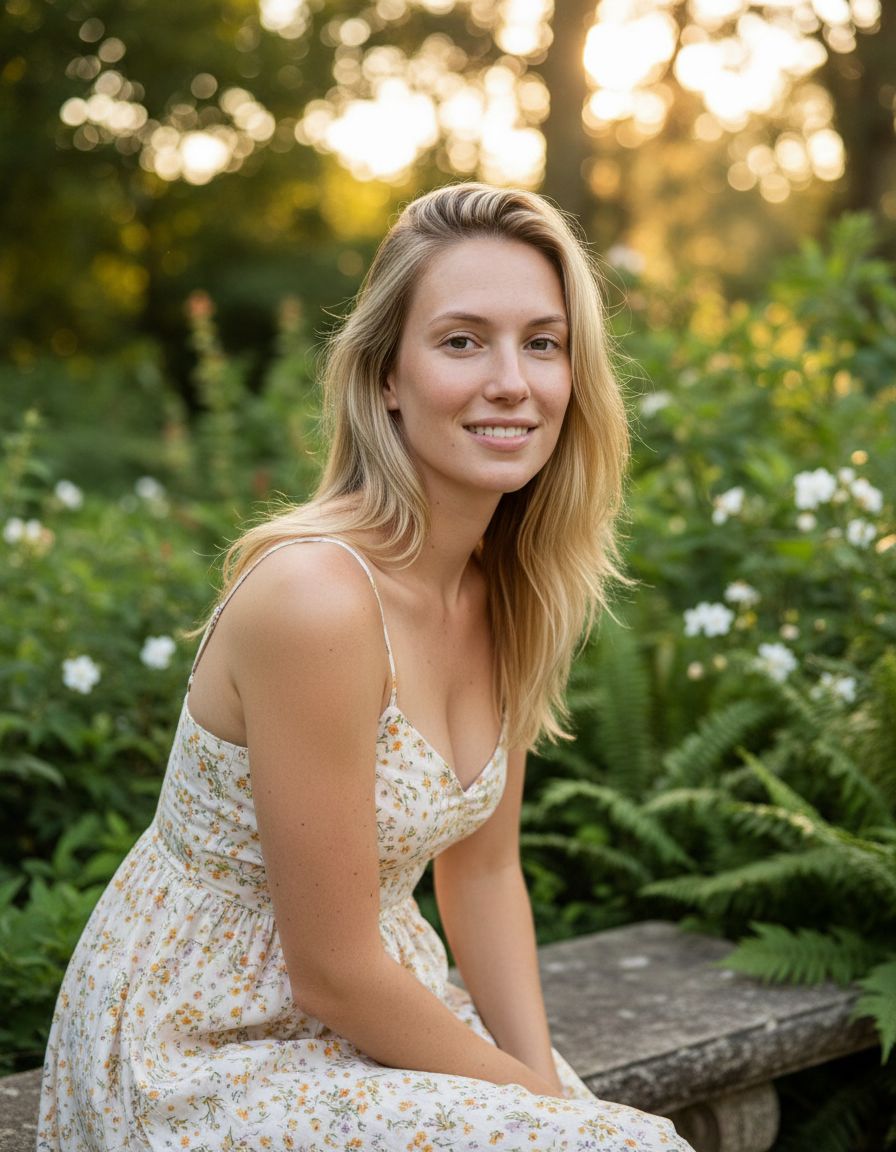
Skip the booking, the studio cost, and the “I’ll deal with it later” problem.
Great for LinkedIn, websites, speaker pages, founder bios, and creator profiles.
Start with a selfie and get to a cleaner, more professional image in minutes.
If you need a better headshot for work, job hunting, or your online brand, these are the paths most likely to match why you came here.
Upgrade your LinkedIn photo without booking a photographer or digging through old camera roll photos.
LinkedIn headshots →Clean up your profile photo for resumes, applications, portfolio sites, and recruiter outreach.
Professional profile pictures →Use Selfee for creator bios, speaker pages, team listings, newsletters, and social profiles that need a polished photo fast.
Explore features →Use a clear face photo and turn it into a polished portrait for LinkedIn, business profiles, and personal branding.
Choose from business, nature, creative, urban, and seasonal looks depending on what kind of profile photo you need.
Fine-tune the result with wardrobe choices, accessories, backgrounds, hair, makeup, and body type controls.
Capture, style, generate, download, and share from one place on iOS.
Your photos are processed securely and the product messaging stays clear about how data is used and retained.
Whether it’s a resume, creator page, or company bio, the point is to look polished and credible fast.
Take or upload a photo with good lighting and a clean view of your face.
Choose the visual direction that matches what you need, whether that’s LinkedIn, creative branding, or team profiles.
Adjust wardrobe, accessories, background, hair, and makeup to shape the final look.
Save your portrait for LinkedIn, websites, creator bios, speaking pages, and social accounts.
If you’re on the fence, examples are the fastest way to tell whether Selfee feels right for your LinkedIn photo, website bio, or creator profile.
If you want to know whether Selfee is good for LinkedIn, whether it works on iPhone, and what kind of selfie gets the best result, the FAQ covers it fast.
The Selfee blog covers the questions people usually have before updating a photo for LinkedIn, work, job searching, or a personal brand.
What matters most is not whether AI was used. It is whether the result looks like you and builds trust.
Read article →Simple outfit guidance for LinkedIn photos, team pages, and profile pictures that still feel like you.
Read article →How to tighten your first impression fast when recruiters are actively checking your profiles.
Read article →If your current photo feels outdated, casual, cropped, or just not good enough, Selfee gives you a faster path to something more polished from your iPhone.